
Download Greenshot – Free, Secure Screenshot Tool for Windows, Mac & Android
Greenshot is a lightweight, open-source screenshot tool designed for users who need fast, efficient, and customizable screen captures. Whether you're a student, professional, or content creator, Greenshot offers a powerful yet simple solution to capture your screen, annotate images, and export them in multiple formats. Unlike basic built-in tools on Windows or Mac, Greenshot goes beyond simple capture by providing a built-in editor, hotkey customization, and plugin support. With support for full-screen, window, and region captures, as well as web page capture from Internet Explorer, Greenshot is a must-have utility for anyone who frequently works with visual content. It’s completely free, secure, and regularly updated to ensure compatibility with the latest operating systems.
Why Greenshot Stands Out Among Free Screenshot Tools
When it comes to capturing and editing screenshots, many users rely on default tools like Windows’ Snipping Tool or Mac’s built-in screenshot shortcuts. While functional, these tools lack advanced editing features and customization. Greenshot bridges this gap by combining speed, flexibility, and powerful post-capture editing in a single lightweight application.
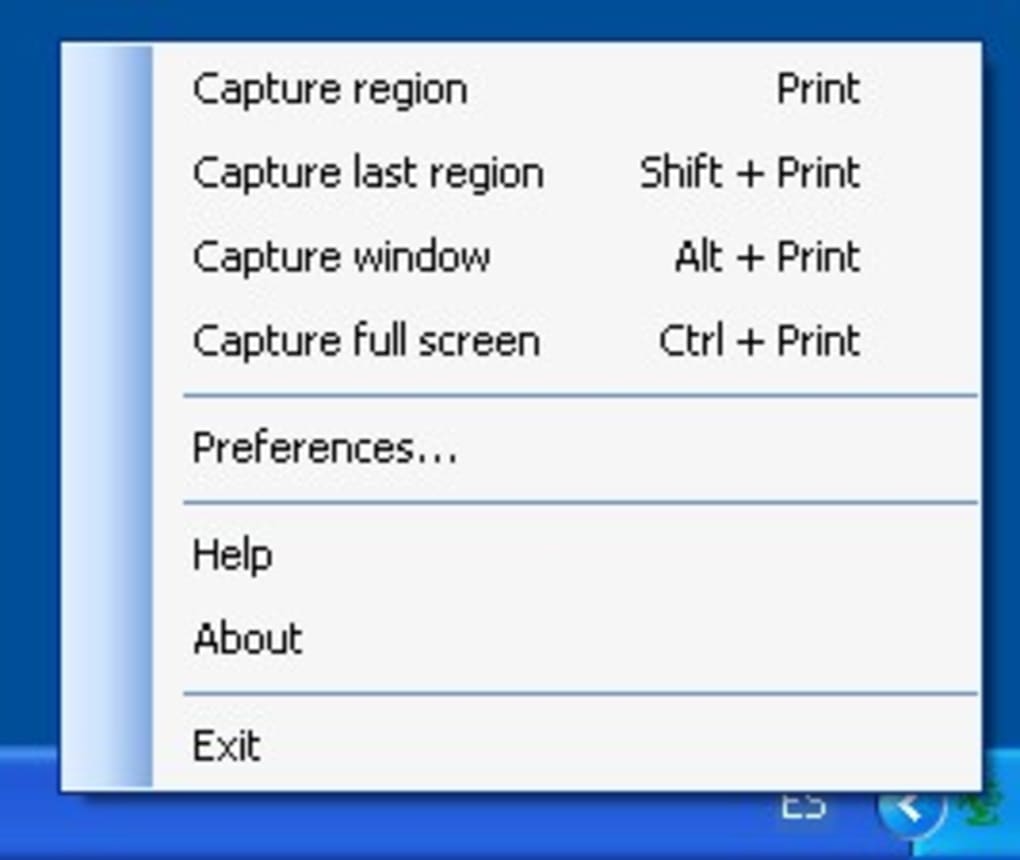
One of the standout features is its seamless integration with the operating system—once installed, Greenshot runs quietly in the background and can be triggered instantly using customizable hotkeys. The four default hotkeys—Print Screen for full screen, Shift + Print Screen for region selection, Alt + Print Screen for active window, and Ctrl + Print Screen for full screen—are intuitive and easy to remember. But the real power lies in the ability to reassign these keys based on your workflow preferences.
Another major advantage is the visual feedback during capture. When you select an area, the screen turns green to indicate the capture zone, and a subtle shutter sound confirms the capture. This immediate feedback reduces user error and enhances the overall experience.
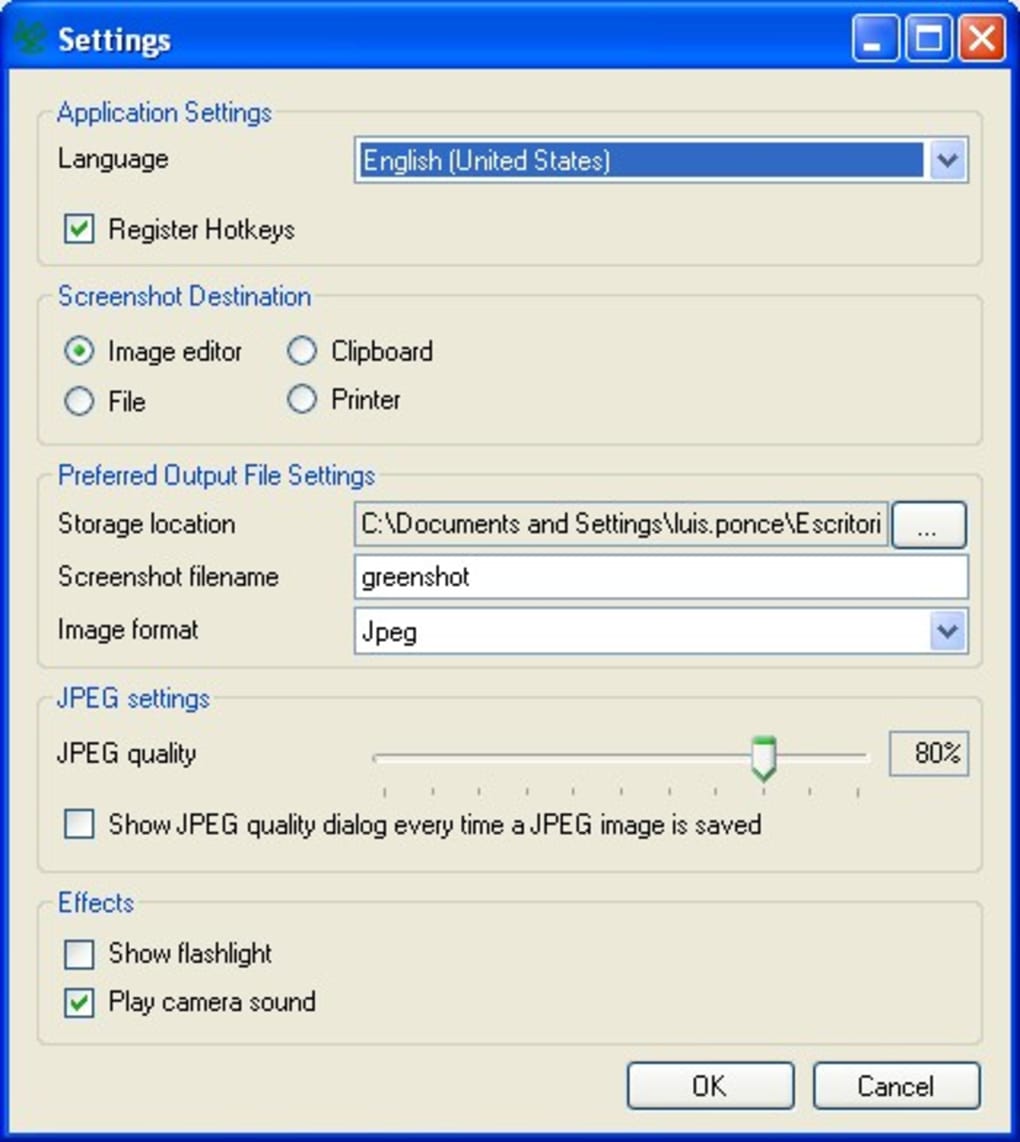
After capture, Greenshot opens a built-in editor where you can add arrows, text, shapes, blur sensitive information, or highlight key areas. The editor supports cropping, rotating, resizing, and even freehand drawing—perfect for creating tutorials, documentation, or social media posts. What sets Greenshot apart is its commitment to user control: you can set the default save location, choose output formats (PNG, JPEG, BMP, GIF), or even send screenshots directly to the clipboard or printer.
All of this happens without the need to switch to a separate image editor, saving time and boosting productivity.
Powerful Features & Plugin Ecosystem for Enhanced Productivity
Greenshot isn’t just about capturing—its built-in editor and plugin architecture make it a complete workflow solution. The editor is surprisingly robust for a free tool. You can adjust brightness, contrast, add borders, apply filters, and even use the annotation tools to create professional-looking visuals. Whether you’re highlighting a bug in software, annotating a presentation slide, or marking up a design, Greenshot gives you the tools you need without complexity. The ability to export directly to Office applications like Word or PowerPoint is especially useful for professionals who need to embed screenshots into reports or proposals.
What truly elevates Greenshot is its plugin system. During installation, you’re prompted to choose from a range of plugins that extend the app’s functionality. For instance, the Flickr plugin allows one-click upload to your photo-sharing account, while the Picasa plugin lets you send images directly to Google’s photo editor.
The Office plugin enables seamless integration with Word and Excel, allowing you to insert screenshots with a single click. Other plugins support cloud storage (OneDrive, Dropbox), email clients, and even custom scripts. This modular approach means you only install what you need, keeping the base app lightweight and fast.
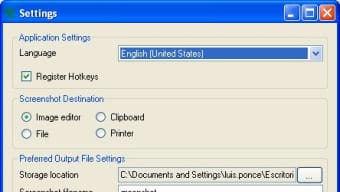
Additionally, Greenshot’s settings are highly customizable. The Destination tab lets you define where screenshots are saved—whether to a folder, clipboard, or external app. The Export tab allows you to automate formatting and naming conventions.
The Expert tab includes advanced options like auto-updating checks, printer footer customization, and logging. You can even configure Greenshot to start automatically at boot or minimize to the system tray. These features make it ideal for both casual users and power users who demand precision and control.
Installation, Compatibility & Usage Guide
Installing Greenshot is quick and straightforward. Visit the official website and download the installer for your operating system—Windows, Mac, or Android. The Windows version is the most mature, offering full functionality including web page capture from Internet Explorer. Mac users can enjoy a similar experience with the latest version, though some features may be slightly limited. Android support is available via a companion app for mobile screen capture, though it’s best used in conjunction with the desktop version.
Once downloaded, run the installer and follow the on-screen prompts. During setup, you’ll be asked to select additional plugins—choose based on your needs. After installation, Greenshot runs silently in the background.
To use it, press your configured hotkey (default: Print Screen). Select the area, and the image is captured instantly. A small editor window opens, where you can annotate, crop, or resize.
Click “Save” to export the image in your preferred format, or “Copy” to paste it directly into another app.
For advanced users, the settings menu offers deep customization. You can set default file names, enable auto-save, or configure different hotkeys for different capture types. The app also supports keyboard shortcuts within the editor, making editing faster and more efficient. Greenshot checks for updates automatically, ensuring you always have the latest security patches and feature improvements. It’s also open-source, meaning the code is transparent and community-reviewed, making it a secure choice for sensitive work.
Pros & Cons: Is Greenshot Right for You?
- Pros:
- Completely free and open-source
- Lightweight and fast performance
- Customizable hotkeys and workflows
- Powerful built-in image editor with annotation tools
- Supports multiple export formats and destinations
- Extensive plugin ecosystem for cloud, Office, and social media
- Regular updates and strong community support
- Cons:
- Web page capture limited to Internet Explorer (no Edge/Firefox support)
- Mac version has fewer features than Windows
- Android version is basic and not fully integrated
- Plugin installation requires internet access
- Interface is functional but not visually modern
Frequently Asked Questions (FAQ)
Is Greenshot free to download and use?
Yes, Greenshot is completely free and open-source. You can download and use it on Windows, Mac, and Android without any cost or hidden fees.
Can I customize the hotkeys in Greenshot?
Absolutely. Greenshot allows full customization of hotkeys for different capture types, including full screen, window, region, and more.
Does Greenshot support web page captures?
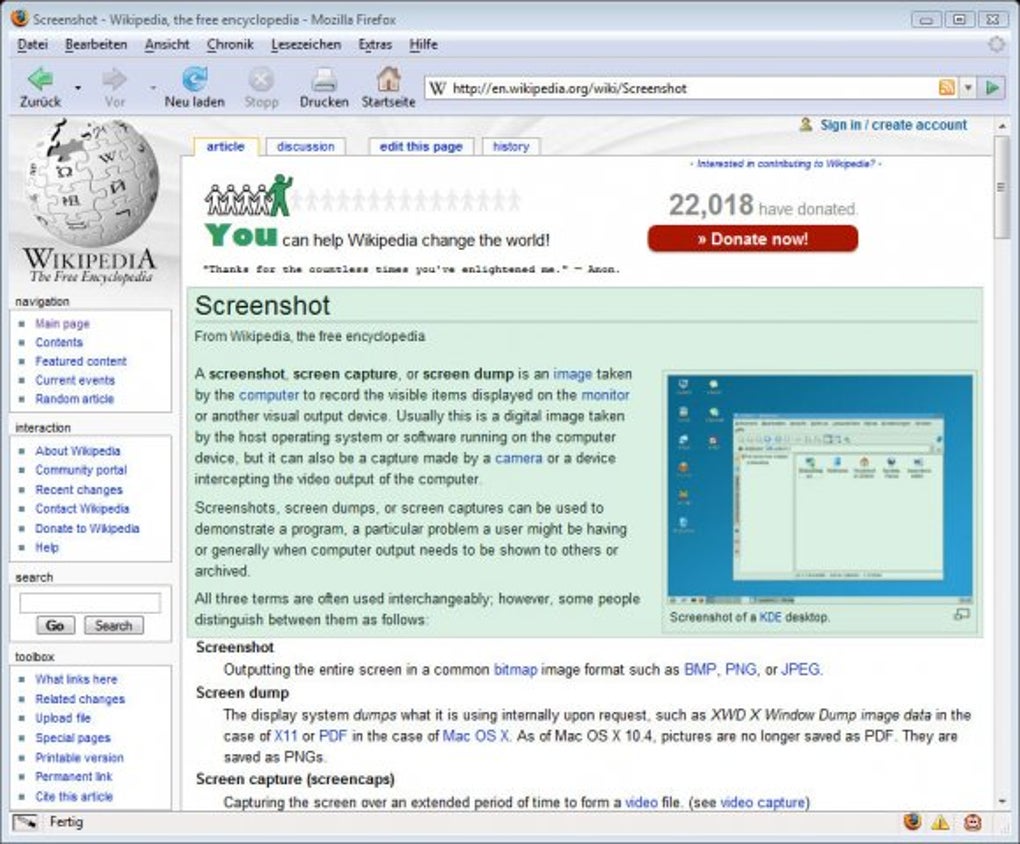
Yes, Greenshot can capture entire web pages, but this feature is currently limited to Internet Explorer. It does not support Edge, Chrome, or Firefox for web captures.
Can I export screenshots directly to Office apps?
Yes, with the Office plugin, you can export screenshots directly into Word, Excel, or PowerPoint with a single click.
Is Greenshot secure to use?
Yes, Greenshot is open-source, meaning its code is publicly available for review. It does not collect user data and is regularly updated for security.
Final Verdict: A Must-Have Free Screenshot Tool
Greenshot is one of the most reliable and feature-rich free screenshot tools available today. Its combination of speed, customization, and powerful editing makes it ideal for students, educators, developers, and professionals alike. While it has minor limitations on Mac and mobile platforms, the Windows version remains a top-tier choice. With regular updates, a thriving plugin ecosystem, and a commitment to privacy and performance, Greenshot delivers exceptional value. If you're looking for a secure, free, and efficient way to capture and edit screenshots, Greenshot is the perfect tool.
Download Greenshot now and take control of your screen captures—effortlessly, securely, and completely free.







